Custom Photo Borders in Photoshop

Photoshop CS6 – Photographic Toning and Tints

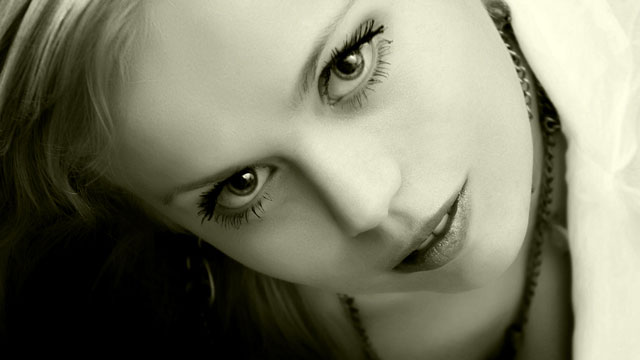
Photoshop CS6 – Photographic Toning and Tints Traditional Photographic Toning in a Bottle Sepia, Selenium, Cyanotope and Several Other New Gradient Map Presets The default set of gradient map presets that come with Photoshop have generally not been inspiring, but with the arrival of Photoshop CS6 that changes. This video takes a look at the

Curves Adjustment and Colour Range in Photoshop CS6

Photoshop CS6 – Curves and Colour Range for Colour Correction and Fixing Contrast

Photoshop CS6 – Curves and Colour Range for Colour Correction and Fixing Contrast Updates to the Curves Adjustment in Photoshop CS6 Using the Updated Curves Adjustment Layer and Colour Range Command in Photoshop CS6 A look at the small but significant changes made to the curves adjustment layer and the colour range command in Photoshop

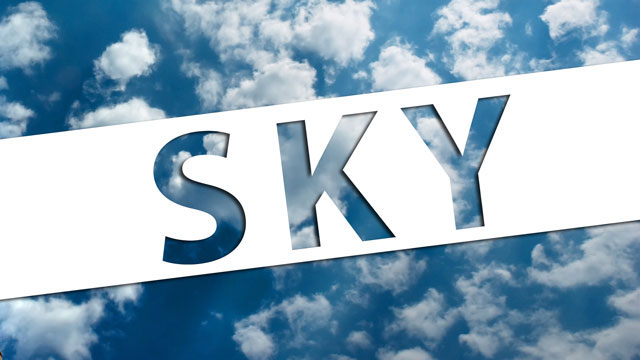
Knockout Text Masking in Photoshop

Justin Bieber “Boyfriend” Knockout Text Effect in Photoshop CS6 CS5

Justin Bieber “Boyfriend” Knockout Text Effect in Photoshop CS6 CS5 Creating Knockout Masking in Photoshop Using Advanced Blending Options Recreating the Justin Bieber “Boyfriend” Text Design The fonts used in this video are: Pump Demi bold, Riesling and Myriad Pro. The Justin Bieber “Boyfriend” Promo video uses a simple but effective text design which I

Contrast and Colour Correction in Photoshop CS5

Colour Correction | Pixovert Basix #12 | Correcting Colour and Contrast in Photoshop

Correcting Colour and Contrast in Photoshop CS5 Using Levels Adjustment Layers to Fix Contrast and Colour Problems Sliders, Colour Pickers and the Auto Adjustment Menu Photoshop has many different ways for dealing with contrast and colour adjustment, but some of the most powerful are to be found in the humble levels adjustment layer. This video